
Maintain Hancock Alert Details
An alert only works while its contact point stays live. Update the record after any change, and keep the confirmation number and PIN private. Bring conflicts to the jail or the Hancock sheriff.
VINELink Coverage in Hancock County
Tennessee runs custody alerts through VINE on the VINELink site. Pick Tennessee first. Then search by name or TDOC number, open the record, and choose "Get Notified" when offered, a path the state's victim-services instructions describe. County jails across Tennessee take part. State and Sheriffs' Association materials say so, and Hancock is covered. Even so, check the live match. No booking appears instantly.
Hancock County posts no jail roster, booking feed, or sheriff app online. VINE is therefore the strongest public alert channel. It is not the record custodian, though. The sheriff and jail come first. For a booking minutes old, or when the service shows no match or a conflict, call 423-733-2250 or 423-733-2249.
The TDOC VINE instructions explain Tennessee's notification program. Fields and channels can change, so trust the live screen over an old one.
Check a Hancock Arrest on VINELink
Search one person at a time. Compare identifiers before trusting any result, since common names can pull up several people. A Hancock County address proves nothing about where the arrest or booking happened. Another state's Hancock County is not this one.
- Open VINELink and select Tennessee.
- Choose the county or local custody search when the interface separates local, state, or court records.
- Enter the exact last and first name. Add an offender, booking, TDOC, or state identifier when known.
- Compare the facility, custody status, and other identifiers rather than relying on the name alone.
- Record the date and time of the search because custody information changes.
- Open the matching record and use the notification control if offered.
The official vendor entry screen is shown below without searching a real person.
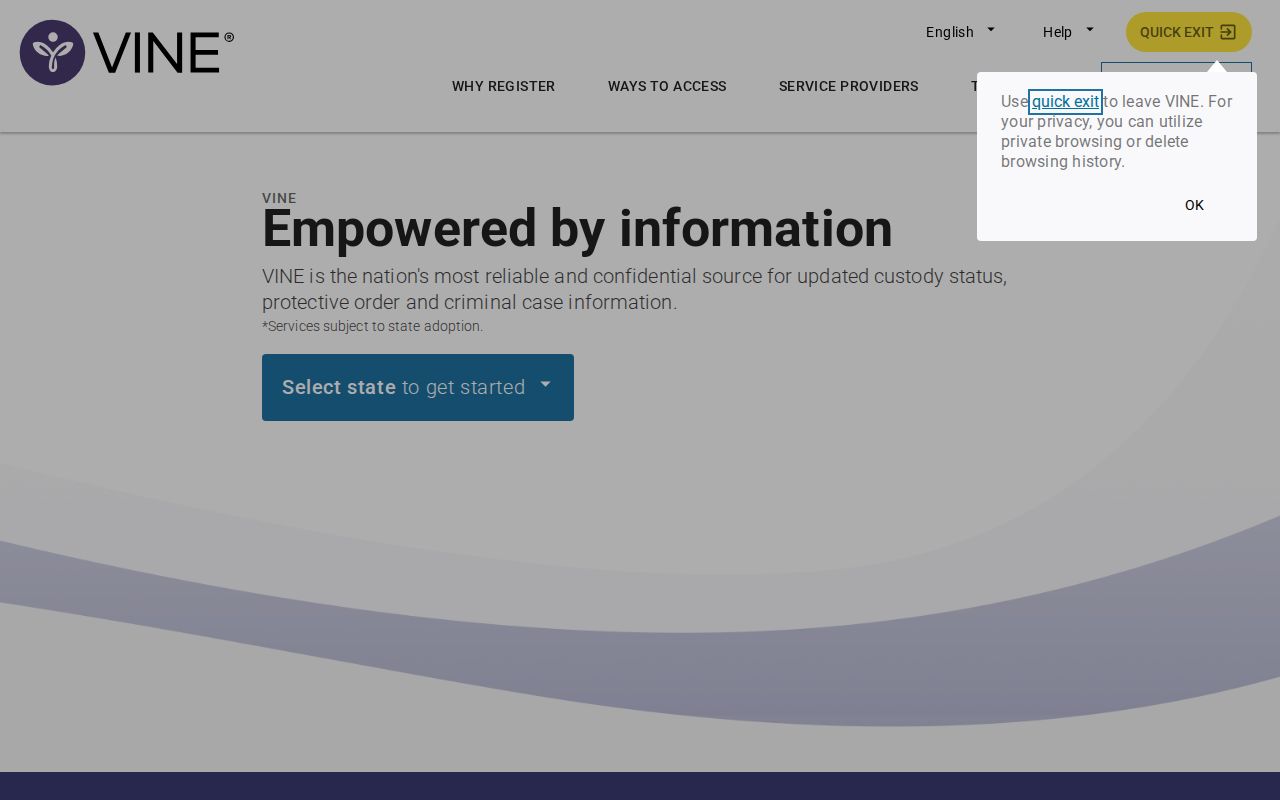
The VINELink start screen displays the search fields a visitor will use first.
What Hancock VINELink Results Show
The live record decides what appears. Depending on eligibility, that can include identity details, a booking or offender ID, the holding facility, custody status, and events like release or transfer. A photo is never promised. Neither is a full arrest narrative, bond history, or every charge filed in court.
| Result item | Use and limitation |
|---|---|
| Name | Starting identifier; compare more than the name |
| Offender or booking ID | Helps separate similar matches |
| Facility | Shows the listed custodian at the search time |
| Custody status | Indicates the reported state, subject to update delay |
| Release or transfer event | Supports an alert but does not end the court case |
| Notification option | Allows registration when the record supports it |
| Court status | May belong to the separate VINE Courts component |
A VINE release notice means one thing: custody changed. It says nothing about dismissal, supervision, another hold, or a pending case. The court clerk holds the disposition. A transfer can shift the search to TDOC or another local facility, yet the county booking record still stands.
Register for Hancock Custody Alerts
Once the right record is open, choose "Get Notified." Tennessee materials describe free, confidential registration. Notice can arrive by automated phone call, text, email, TTY, or in-app alert. The options a record and device actually display govern, so do not assume every method is offered.
- Confirm the person and facility before registering.
- Select the event types available, such as release, transfer, or another custody change.
- Enter the phone number, email address, or other contact method requested.
- Create or enter a four-digit PIN when the telephone path requires one.
- Keep the confirmation or reference details and check that the contact information is correct.
- If an alert arrives, verify the new status in the live system and with the relevant office when safety or timing matters.
The registration interface captured from the official vendor route is shown below.
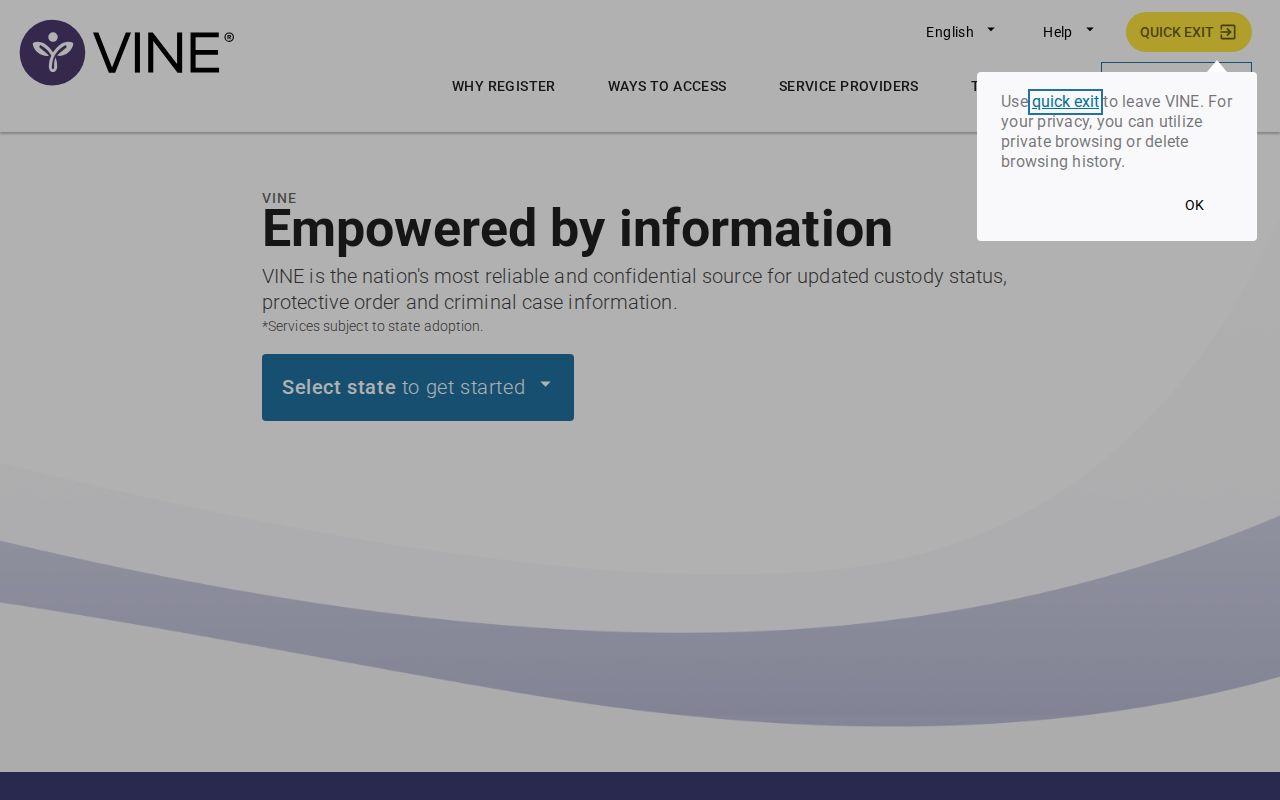
Registration falls under the vendor's current privacy terms. Keep real personal data out of any screenshot. Tennessee's VINE announcement also lists 888-868-4631 for around-the-clock operator help. Confirm that number on the state source before relying on it, since phone prompts may also demand the PIN to acknowledge a notice.
Why Hancock Bookings May Lag
A fresh arrest passes through local processing first. Identity confirmation, fingerprints, photographs, charges, holds, and facility data all need entry before anything shows statewide. Hancock publishes no update interval. So no honest source can promise the booking will appear within a set number of minutes or hours.
No match? Call the Hancock sheriff and jail, recheck spelling and aliases, and ask whether another facility took the person.
That is why the same-day arrest process starts with a phone call to the jail. A no-match can mean lag. It can also mean a different name form, another county, a release, a nonparticipating record type, or a federal system. One empty search proves nothing about whether an arrest happened. Hancock's sheriff posts no booking app or booking feed. A generic jail app or another state's Hancock County result is not local. Tennessee VINELink remains the verified alert route. The sheriff holds the local booking record.
County, State, and Federal Limits
Each system covers a different stage of custody. Hancock County Jail is the local booking point to confirm. TDOC FOIL covers felony offenders now or formerly in state custody or supervision, and it may show a profile photo. VINELink tracks custody status and alerts. The court docket carries the procedural outcome.
| System | Covered custody | Not covered |
|---|---|---|
| Hancock sheriff/jail | Local booking and county custody | Complete state or federal custody |
| Tennessee VINELink | Eligible county and state custody events | Guaranteed instant intake or complete case record |
| TDOC FOIL | State felony custody or supervision | Fresh county bookings |
| BOP locator | Federal inmates | County jail and state prison |
| ICE locator or DHS VINELink | Eligible immigration custody | Ordinary Tennessee local custody |
The separate DHS VINELink interface applies to eligible federal immigration notifications.
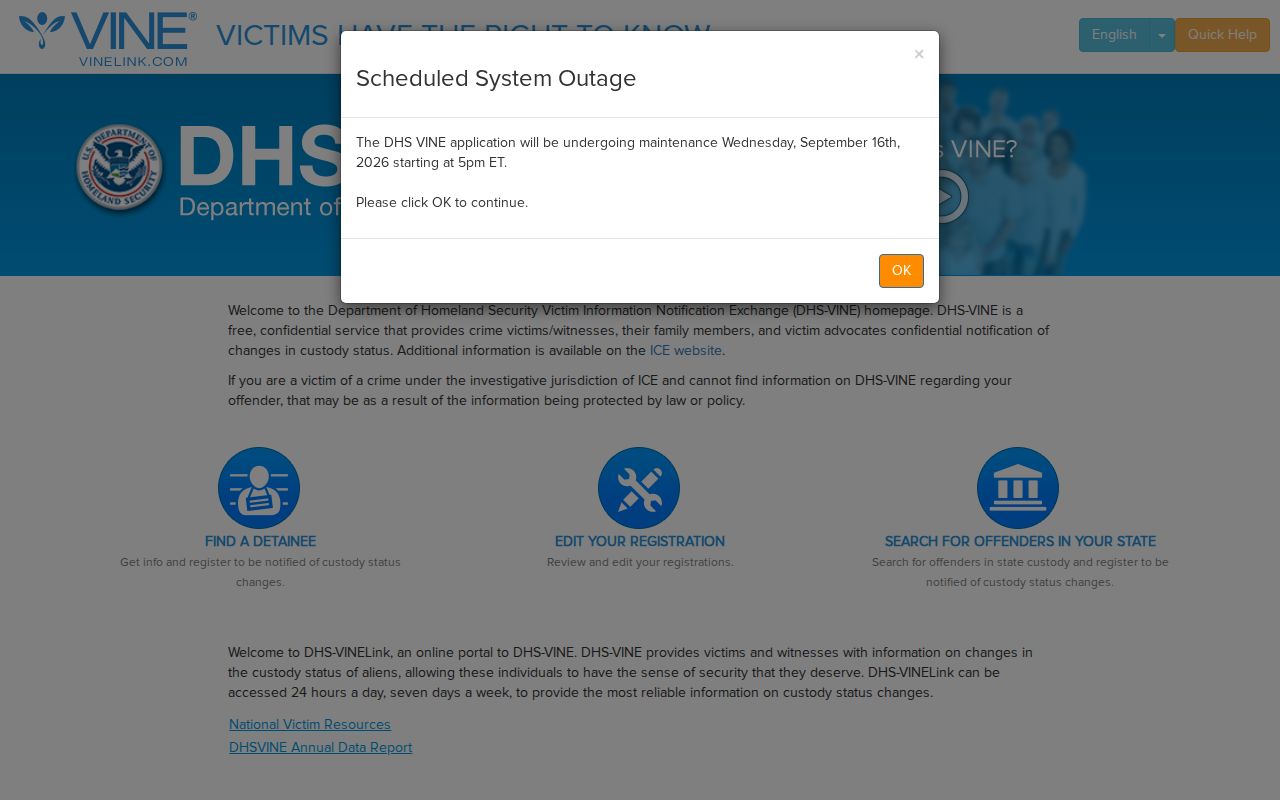
It should not be confused with choosing Tennessee in ordinary VINELink.
Alerts Do Not Decide Guilt
VINE reports custody events, nothing more. A release alert does not explain the legal basis behind it. It also leaves out bond conditions, supervision, and the later court schedule. Those answers live with the clerk and the docket.
For case details, skip the alert system and pull the court record. It carries the exact language of each case.
Want a booking photo or the record itself? Tennessee's Public Records Act gives you a route. Ask the sheriff's custodian, naming the person and the arrest date. Request the non-exempt portions. Get a fee estimate first. VINELink won't handle this for you. The agency that made the record is the one to call.